Their usual edit
- Edited in a mainstream photo editor: a universal exposure change and moves on the light and dark channels
- No skin retouching
- No colour retouching
Drag real studio modifiers onto the photo you already took. Softboxes, strips, beauty dishes and flags, lit on your own pixels and exported in 16 bit. No generative AI. No reshoot.
Already a member? Sign in to StrobeDrop or download the Windows app (invite required to sign in).
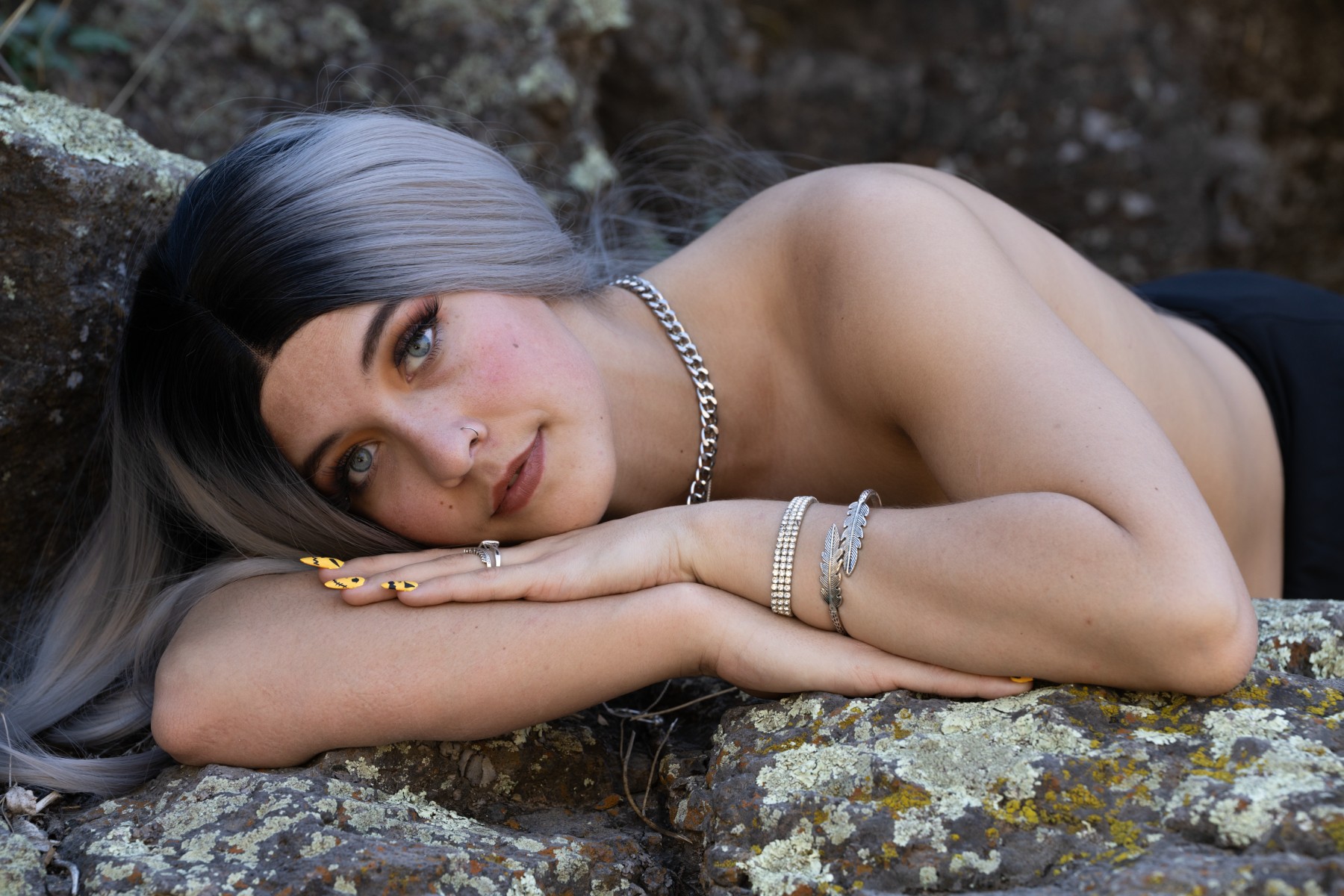
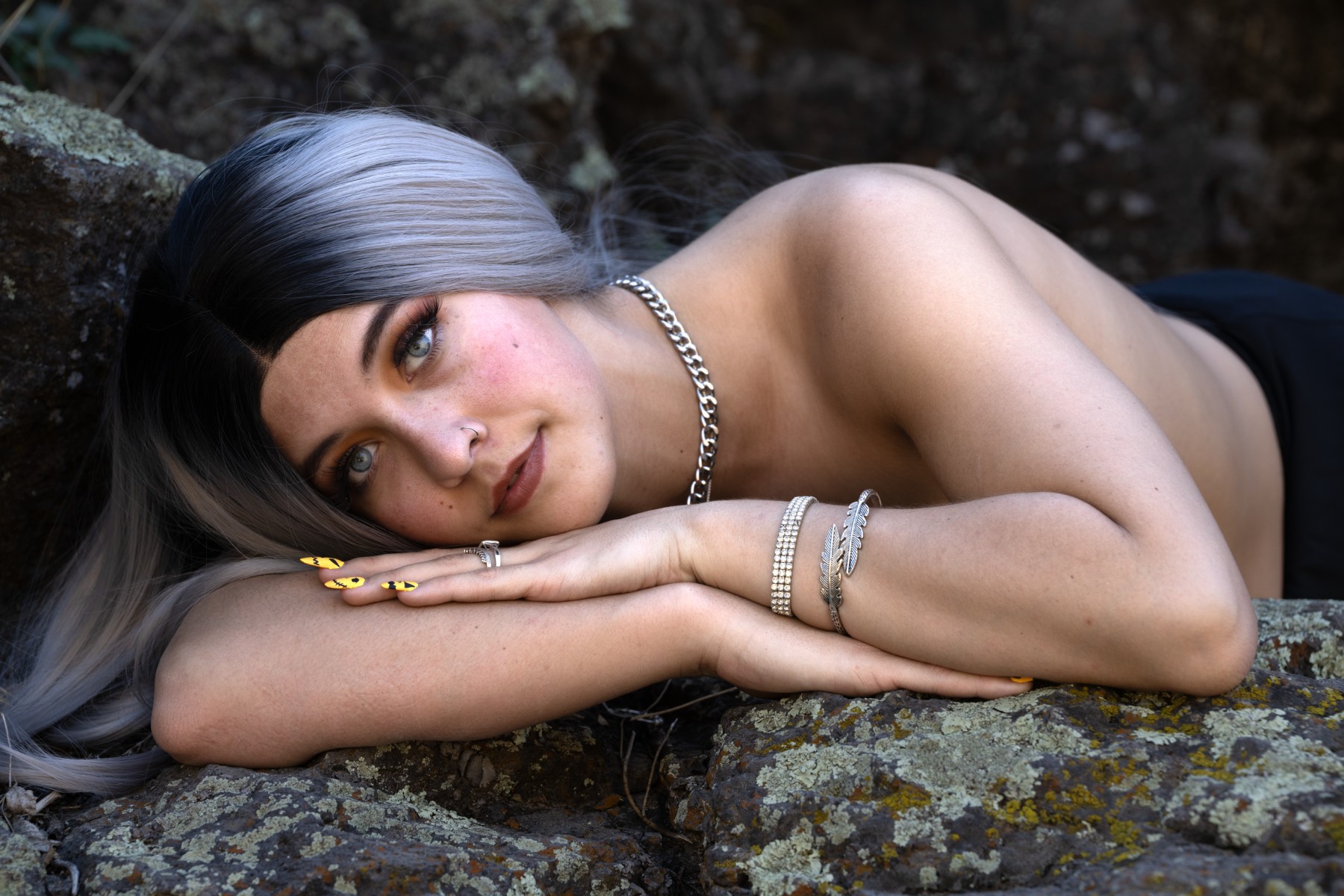
Drag the divider. Same pixels, same skin, same colour: only the light changed. What was done
A photographer in our community (who would rather stay anonymous) sent us this one. On the left, their usual edit. On the right, the same frame after ten minutes with StrobeDrop in the workflow. Nothing was retouched and no colour was pushed: two strip lights and a pair of catchlights did the rest. Drag the divider above and watch the light sculpt its way across the body.
StrobeDrop reads the shape of your frame once, then every light you place renders in real time on your own graphics card.
JPEG, TIFF or camera RAW. One quick read of depth, skin and detail, and you're lighting.
Softbox, octa, strip, beauty dish, snoot, flags. Aim, roll and resize, with real falloff and wrap.
Native resolution, 16-bit TIFF or PNG. Finish in Lightroom or Photoshop like always, or send photos straight from them and get them back lit.
Local processing on your own NVIDIA GPU is unmetered on every plan.
The Windows app runs the studio on your NVIDIA card, unmetered, and switches to the cloud GPU when you are on a laptop. It signs in with your StrobeDrop account, so you need an invite first.
We approve applications in weekly batches. Tell us a little about your work.